The problem
Adding search to a content site usually comes down to a choice between a hosted service (Algolia, Typesense) and running your own index (ElasticSearch, Meilisearch). Both want a backend, API keys, and sync logic to keep the index current.
This site has 10 projects, 5 experience entries, 24 blog posts, 4 services, and 4 static pages, which adds up to 47 searchable items. Standing up a server for 47 items is overhead I just don't need.
The search index
The site already has a content registry with metadata for every page, so I built
a buildSearchIndex() function that flattens it all into one array:
export interface SearchEntry {
  title: string;
  excerpt: string;
  tags: string[];
  category: string;
  type: 'project' | 'experience' | 'blog' | 'service' | 'page';
  slug: string;
  url: string;
}

export function buildSearchIndex(): SearchEntry[] {
  return [
    ...buildContentEntries(
      projectHistory,
      'project',
      projectsRecords,
      projectMdxMetadata
    ),
    ...buildContentEntries(
      experienceHistory,
      'experience',
      experienceRecords,
      experienceMdxMetadata
    ),
    ...buildContentEntries(blogHistory, 'blog', blogRecords, blogMdxMetadata),
    ...serviceEntries,
    ...pageEntries,
  ];
}
Each content type pulls from data files that already exist: thumbnails for title and description, MDX metadata for tags and category, content order for the slug list. There's no separate index to babysit; when I add a blog post, search picks it up automatically because it's reading from the same source of truth.
The command palette
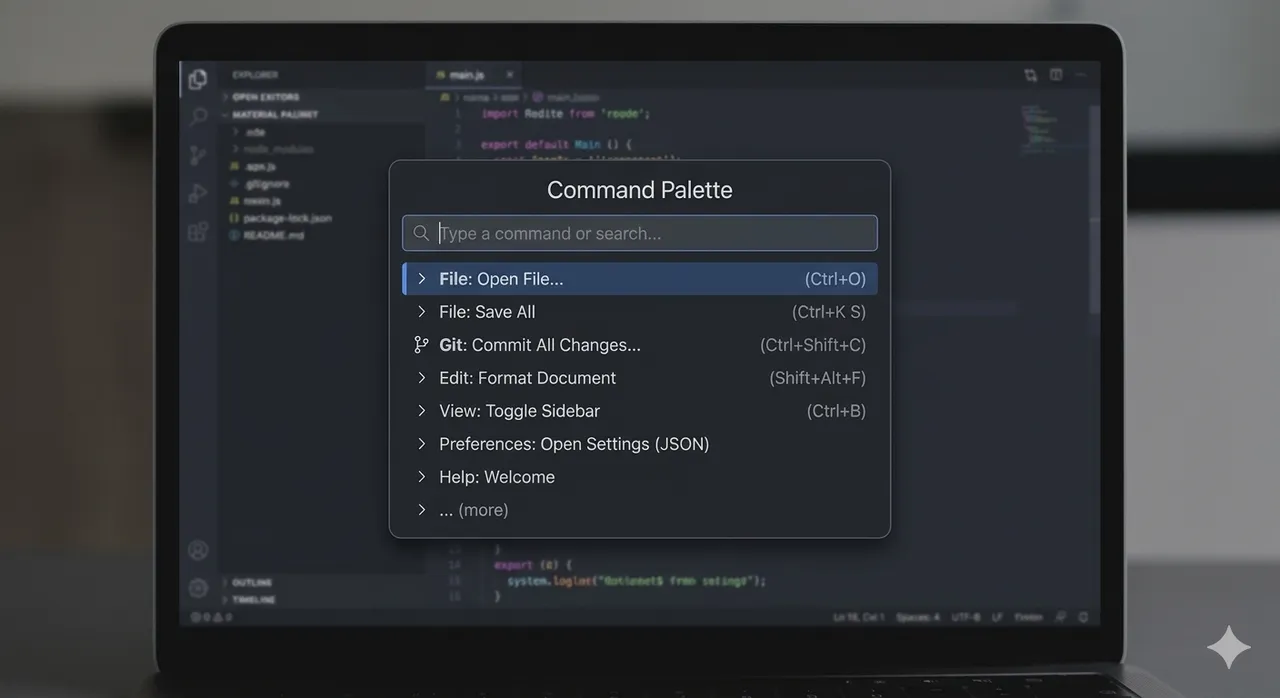
cmdk is a headless command menu component that gives you fuzzy filtering, keyboard navigation, and grouped results with zero opinions about styling. I hand it the search index and let it do the matching:
const index = useMemo(() => buildSearchIndex(), []);

<Command.Item
  value={`${entry.title} ${entry.excerpt} ${entry.tags.join(' ')}`}
  onSelect={() => router.push(entry.url)}
>
The value prop is what cmdk actually searches against. By concatenating title,
excerpt, and tags, a search for "accessibility" matches blog posts tagged
Accessibility, project descriptions that mention the word, and the audit tool
page, and cmdk sorts out the ranking from there.
Decoupling the trigger
The command palette renders in the app layout, but the search trigger button
lives up in the nav. Rather than prop-drill an onOpen callback down through the
nav component tree, the trigger just dispatches a custom DOM event:
// SearchTrigger.tsx
const handleClick = () => {
  document.dispatchEvent(new CustomEvent('open-command-palette'));
};

// CommandPalette.tsx
useEffect(() => {
  const handler = () => setOpen(true);
  document.addEventListener('open-command-palette', handler);
  return () => document.removeEventListener('open-command-palette', handler);
}, []);
The palette also listens for Cmd+K / Ctrl+K globally. Two entry points, and
no coupling between the components at all.
Zero cost until first use
The palette component is always mounted, but it renders nothing while it's closed:
if (!open)
  return <span data-testid='command-palette-ready' className='hidden' />;
That hidden sentinel element lets E2E tests wait for the component to mount before
they fire keyboard shortcuts at it. The search index is built once via useMemo
with no dependencies, so every open after the first reuses the same array.
The takeaway
Search doesn't need a server when your content is your codebase. A static index built from data files you already have, a headless component for the fuzzy matching, and a custom event to keep the trigger decoupled: for a portfolio site with a few dozen pages, that's the entire backend.