The Redesign That Broke Things
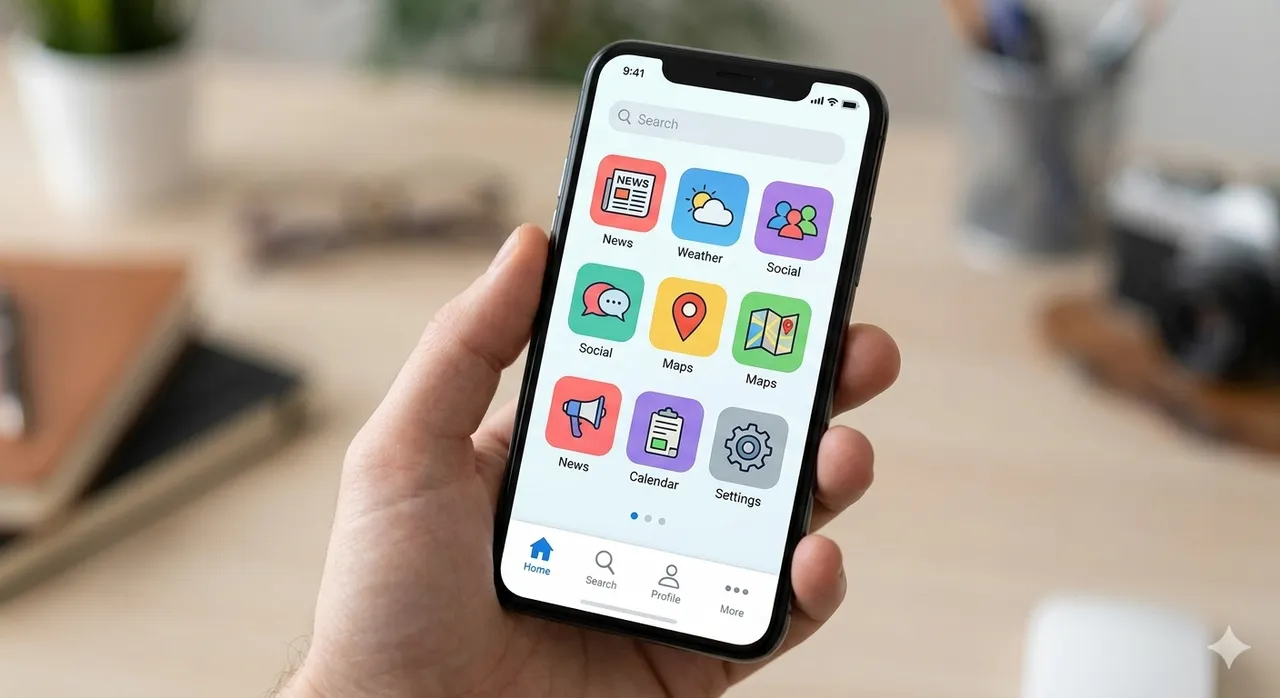
I shipped a mobile bottom navigation bar and I was pretty pleased with it: the iOS-style pattern with Home, Services, Projects, Experience across the bottom of the screen, plus a "More" button that opens a bottom sheet of secondary links. It looked great and it passed unit tests. Then Playwright's axe integration flagged 6 failures, all of them on mobile viewports.
The failures fell into two buckets: the search trigger was unreachable, and the "More" bottom sheet had broken dialog semantics.
The Hidden Search Button
The original design had Search and DarkModeToggle in a top header bar above
the content. On mobile this bar was position: static, so it scrolled with
the page, but the new bottom nav was position: fixed at z-index: 50,
which meant that on short viewports the top bar ended up directly behind the
bottom bar. The search button was technically in the DOM, but you couldn't
tap it because the nav bar was sitting right on top of it.
The fix was straightforward: move the search trigger into the bottom bar itself, as a peer to the other nav items, and move the DarkModeToggle into the More sheet where it belongs, since it's a preference rather than a navigation action.
<Button
  name='mobile-search'
  variant='bare'
  onClick={handleSearchClick}
  aria-label='Search (⌘K)'
  data-testid='search-trigger'
  className='flex flex-col items-center justify-center flex-1 gap-0.5 ...'
>
  <Search className='h-5 w-5' aria-hidden='true' />
  Search
</Button>
The Dialog That Wasn't
The More sheet was a role="dialog" with aria-modal toggled between true
and false. That sounds right at first: the sheet is modal when open and not
modal when closed. But screen readers don't read it that way.
When aria-modal is false, the dialog is still sitting there in the
accessibility tree, so screen reader users can Tab into an "invisible" sheet
and interact with links that aren't even on screen. The correct pattern has
three parts:
aria-modal="true"— always. The sheet is either a modal dialog or it isn't in the tree at all.aria-hidden={!isOpen}— hides the entire subtree from assistive technology when the sheet is closed.inertwhen closed — prevents focus from entering the hidden sheet via keyboard navigation.
<div
  role="dialog"
  aria-label="More navigation"
  aria-modal="true"
  aria-hidden={!sheetOpen}
  inert={!sheetOpen ? true : undefined}
  className={cn(
    'fixed bottom-0 left-0 right-0 z-50 ...',
    sheetOpen ? 'translate-y-0' : 'translate-y-full pointer-events-none'
  )}
>
The visual transition (translate-y-full) handles sighted users and the
ARIA attributes handle everyone else, and the two of them have to agree.
The Header Restructuring
There was a subtler structural problem underneath all this. The original nav
wrapped both the desktop and mobile navigation in a single <header>:
<header className='fixed md:sticky bottom-0 md:top-0 ...'>
  <TabletUpNav />
  <MobileNav />
</header>
On mobile this <header> was fixed to the bottom, but <MobileNav>
renders its own fixed-position elements (the bottom bar, the backdrop, the
sheet), and nesting fixed elements inside a fixed container with overflow
handling gives you unpredictable stacking behavior.
So I split them: <header> now wraps only the desktop nav (hidden md:block), and MobileNav renders independently at the top level.
One More Thing: Layout-Matched Skeletons
While I was in there fixing the nav, I noticed the desktop nav's loading
state was a centered Spinner. When the real nav loaded, everything jumped:
the logo snapped to the left, the links spread across the middle, the CTAs
landed on the right. Classic layout shift from a loading state that doesn't
match the final layout.
I replaced it with a NavSkeleton component built on the shared-ui
Skeleton primitive, where each skeleton element matches the dimensions of
the real element it stands in for: 32x32 for the logo, 68px for "Services,"
82px for "Experience." Now the nav loads in place without anything jumping.
The Takeaway
A bottom sheet that slides out of view isn't actually hidden from assistive
technology unless you say so explicitly. Visual CSS transitions and ARIA
state are parallel systems that have to stay in sync, and inert is the
piece people forget: it's what stops keyboard focus from reaching elements
that aria-hidden has already pulled out of the accessibility tree.